Your online presence is often reviewed in fragments.
You update an Instagram bio when an offer changes. You adjust the homepage headline six months later. You add a new headshot to LinkedIn but forget that your About page still introduces you with an old title. Each individual update makes sense, yet the complete picture gradually stops matching.
Potential clients do not experience those pieces separately. They search your name, open your website, scan a social profile, click a service, and decide whether the business feels current and credible.
A 10-minute online presence audit lets you see that journey as they do.
This is not a complete brand, SEO, accessibility, or website audit. Ten minutes cannot replace a deeper review. It can, however, uncover the small inconsistencies and broken paths that make a polished business feel less established online.
Set a timer, open a private or incognito browser window, and resist the temptation to fix everything as you go. For the next ten minutes, your job is to observe.

Before You Begin: Create a Quick Audit Note
Open a blank note and create three headings:
Fix now: Small corrections you can complete in a few minutes.
Schedule: Larger updates that require focused time, new copy, design changes, or technical support.
Consider: Ideas worth exploring, but not urgent enough to become an immediate project.
This keeps the audit from turning into an unplanned afternoon of rewriting your website.
You may also want to save screenshots as you work. Search results, broken mobile layouts, outdated bios, and unclear pages are easier to address when you have a visual record of what you saw.
Then begin the timer.
Minute 1: Search for Your Business
Search your business name exactly as a potential client would.
If your personal name is closely connected to the brand, search that too. Add your location or type of service if the name is shared by other businesses.
Review the first page of results.
Look for:
- Whether your official website appears
- The page title and description shown beneath it
- Which social profiles are visible
- Old directories or profiles
- Outdated offers, job titles, locations, or descriptions
- Images associated with the business
- Search results that could be confused with your brand
- Any result you would not want a potential client to encounter first
Do not evaluate your visibility for every possible keyword during this audit. This is a branded search, designed to show what someone finds when they already know your name.
Pay attention to whether the results create a coherent first impression. If your website describes you as a brand strategist, LinkedIn says creative consultant, and an old directory lists a service you no longer offer, the visitor has to decide which version is current.
Record discrepancies without opening every result.
Minutes 2 and 3: Review Your Homepage Like a Stranger
Open your homepage without using your usual logged-in browser. View the live version a visitor actually sees.
Give yourself five seconds to look at the first screen. Then answer:
- What does this business offer?
- Who is it for?
- Why might someone want it?
- What should the visitor do next?
If the answers are not immediately clear, note what is missing.
A homepage can be elegant, expressive, and beautifully branded while still asking the visitor to do too much interpretive work. A clever headline may need a practical supporting sentence. A cinematic image may need a clearer button. A long introduction may need to reach the offer sooner.
Continue scrolling and look for:
- A logical flow from introduction to offer
- Clear section headings
- Current services or products
- Recent, relevant testimonials
- Consistent buttons
- Enough context to understand the next step
- Announcements or dates that have expired
- Placeholder copy or unfinished sections
- Images that crop poorly
- Large sections that repeat the same message
You are not deciding whether you personally like the homepage. You are checking whether a new visitor can understand and use it.
Minute 4: Follow the Primary Conversion Path
Click the main call to action on your homepage.
This may lead to a services page, product, booking calendar, inquiry form, free resource, or email signup. Follow the path for one minute as though you are genuinely interested.
Ask:
- Does the button lead where I expected?
- Is the next page current?
- Can I understand what is being offered?
- Is the next action obvious?
- Are important dates, prices, or availability details accurate?
- Does the journey contain an unnecessary dead end?
- Am I asked to make a decision before receiving enough information?
A conversion path does not have to be short, but it should feel intentional.
If the homepage says “Work With Me,” the destination should explain the available ways to do that. If a services page ends without an inquiry button, the visitor has to return to the navigation and continue searching. If a free resource is promoted, the signup and delivery process should still work.
Make a note of any place where interest could be lost simply because the next step is unclear.
Minute 5: Test the Contact Experience
Find the primary way someone would contact or inquire with your business.
Review the page or form for clarity:
- Does it explain what kinds of inquiries you accept?
- Are required fields clearly marked?
- Are the questions relevant to the current offer?
- Does the form work comfortably on a small screen?
- Is the expected response time stated?
- Does the page explain what happens after submission?
- Is there another contact option when appropriate?
- Are the email address and social links current?
If time allows, submit a test inquiry using a separate email address. Confirm that the form reaches the correct inbox and that any automated confirmation is current, correctly formatted, and aligned with your brand voice.
A form that displays a brief “Message sent” notice technically works. A thoughtful confirmation creates more confidence:
“Thank you for your message. You can expect a reply within two business days. A copy of your submission is on its way to your inbox.”
The contact experience is a small but revealing part of the brand. It should feel as considered as the page that persuaded someone to inquire.
Minute 6: Check the Website on Your Phone
Open the homepage and one important secondary page on your phone.
Do not rely only on the mobile preview inside your website editor. Test the published site on an actual device.
Look for:
- A menu that opens and closes correctly
- Text that is easy to read
- Comfortable spacing around the edges
- Buttons large enough to tap
- Images that retain their focal point
- Headlines that wrap cleanly
- Forms that fit the screen
- Pop-ups that can be dismissed
- Sections appearing in the correct order
- Acceptable loading speed
- No unexpected horizontal scrolling
Pay close attention to the first screen. A desktop layout may show a headline, supporting copy, image, and button together, while the mobile version pushes the call to action far below the opening image.
Check any sticky banners or announcement bars. If they occupy a large portion of the mobile screen, they may interfere with the experience more than they help.
Record the most disruptive issue rather than attempting to perfect every breakpoint during this audit.
Minute 7: Review Your Social Profiles
Open the social platforms you actively use for the business.
Focus on the profile itself, not the feed.
Check:
- Display name
- Username
- Profile photograph or logo
- Bio
- Category or title
- Location, if relevant
- Contact buttons
- Primary profile link
- Pinned content
- Highlight covers and labels
- Current offer or call to action
Your wording does not need to be identical on every platform. Each profile has different space and audience expectations. The essential facts should agree.
A person moving between your website and social profiles should encounter the same business, even when the tone or format changes slightly.
Pay particular attention to your profile link. Click it.
If you use a link page, confirm that the most important destination appears first, every button works, and old promotions have been removed. A long list of links can become a digital storage closet. Keep the choices current and purposeful.
If a platform is no longer active but still appears in your website footer, decide whether the profile continues to support the business. An inactive account is not automatically harmful, but it should not create the impression that an abandoned channel is your primary source of current information.
Minute 8: Check Brand and Message Consistency
Move quickly between your homepage, About page, LinkedIn profile, and primary social profile.
Look for consistency in the details that shape recognition:
- Business name
- Your name and title
- Logo
- Profile photographs
- Core color palette
- Visual style
- Description of the business
- Audience you serve
- Services or offers
- Tone of voice
- Primary call to action
Consistency does not mean copying the same sentence everywhere. It means the different pieces support one recognizable position.
For example, your Instagram bio may be warm and concise while your LinkedIn profile provides more professional detail. Both can still identify the same expertise, audience, and offer.
Notice any sudden shift in quality. A beautifully designed website paired with a pixelated profile image or an outdated PDF creates a break in the experience. So does a calm, sophisticated brand voice followed by an automated email that feels abrupt or generic.
The transition between platforms should feel natural enough that the visitor never wonders whether they have found the correct business.
Minute 9: Look for Trust and Freshness
Return to your website and social profiles. Look for signs that the business is active, reachable, and attentive to detail.
Check for:
- Recent or evergreen content
- Current portfolio work
- Relevant testimonials
- Accurate copyright information
- Updated team information
- Current service descriptions
- Working social links
- Visible contact details
- Complete About information
- Appropriate policies and legal pages
- No expired promotions or past dates presented as upcoming
A business does not have to publish every day to appear active. It does need enough current information to reassure visitors that the website is being maintained and the offer still exists.
If the latest blog post is older, that may be perfectly acceptable. The concern is not the date alone. It is whether the entire website appears to have stopped at the same moment.
Trust also comes from specificity. A clear process, detailed service page, relevant portfolio example, or thoughtful answer to a common question may build more confidence than several decorative trust badges.
Record the most noticeable gap.
Minute 10: Choose Your Three Most Important Fixes
Stop browsing and review your notes.
Choose three improvements based on their effect on understanding, trust, or action.
A useful priority order is:
- Broken: The feature, link, form, or information does not work.
- Incorrect: The content is outdated, inconsistent, or misleading.
- Unclear: The visitor cannot understand the offer or next step.
- Inconvenient: The experience works, but it creates avoidable effort.
- Cosmetic: The detail could look more polished without changing function.
This order prevents a common mistake: spending an hour refining font sizes while the inquiry form is sending messages to an inbox no one checks.
For each of your three fixes, write one specific action.
Instead of “improve the website,” write:
- Rewrite the homepage supporting sentence to name the audience and service.
- Remove the expired workshop link from Instagram and the website footer.
- Test and replace the inquiry form confirmation email.
Specific actions are easier to schedule and complete.
Your 10-Minute Online Presence Audit Checklist
Use this abbreviated checklist whenever you want to repeat the audit:
- Search the business name and your name.
- Review the visible search results.
- Read the first screen of the homepage.
- Confirm the offer, audience, and next step are clear.
- Click the primary homepage call to action.
- Test the inquiry, signup, or purchase path.
- View the website on a phone.
- Review active social media profiles.
- Click every primary profile link.
- Compare business names, titles, offers, and imagery.
- Look for outdated dates, services, and announcements.
- Choose three prioritized fixes.
Save the checklist somewhere easy to reuse. A short audit completed regularly is more useful than a comprehensive review you continually postpone.

How Often Should You Audit Your Online Presence?
Complete the 10-minute version once a month or whenever something significant changes in the business.
It is especially useful:
- Before a launch
- After changing an offer
- Before opening bookings
- After updating your brand
- When introducing a new title or position
- Before attending an event or seeking press
- After changing domains, platforms, or scheduling tools
- When an inquiry mentions confusing or outdated information
Schedule a more detailed quarterly review for issues that cannot be evaluated properly in ten minutes.
That deeper audit might include:
- Website analytics
- Search visibility
- Accessibility
- Page speed
- Content performance
- Email sequences
- Complete mobile testing
- Lead and conversion paths
- Website copy
- Visual brand consistency
- Directory listings
- Security, backups, and software updates
The short audit detects visible problems. The deeper review helps you understand patterns and make strategic improvements.
Common Issues Worth Fixing First
Online presence audits often produce a long list. Not every observation deserves equal attention.
Prioritize issues that affect one of the following areas.
Understanding
Can visitors quickly identify what you offer and whether it is relevant to them?
Fix vague headlines, confusing service names, missing context, and pages that assume too much prior knowledge.
Trust
Does the business appear active, legitimate, and attentive?
Fix outdated information, broken links, inconsistent names, low-quality images, incomplete contact details, and forms that do not provide confirmation.
Action
Can an interested visitor take the next step without searching?
Fix hidden calls to action, unclear buttons, complicated forms, dead-end pages, and profile links that lead to obsolete promotions.
Continuity
Does the business feel consistent across platforms?
Fix conflicting titles, mismatched offers, outdated headshots, drastically different visual styles, and bios that describe an earlier version of the brand.
Cosmetic refinements matter, especially for a visually led business. They become much more valuable once the foundation is clear, correct, and functional.
Turn the Audit Into a Simple Maintenance System
An audit is only useful when its findings lead to action.
Add small corrections to your next administrative block. Schedule larger projects according to their importance and the work involved. Keep lower-priority ideas on a future improvements list rather than allowing them to crowd the current week.
You can also create a simple record with four columns:
- Date
- Issue found
- Action required
- Date completed
Over time, this record may reveal recurring problems. If expired launch links appear every month, your launch process may need a closing checklist. If your website and social profiles frequently describe offers differently, you may need one central messaging reference.
Repeated inconsistencies are often a systems problem, not a memory problem.
Create a recurring monthly task for the audit and attach the checklist. Ten minutes is enough when you do not have to remember the process from scratch each time.
A Polished Online Presence Is Built Through Attention
Your online presence does not need to be flawless or identical everywhere.
It needs to make sense.
A potential client should be able to move from search results to your website, from your website to a social profile, and from interest to inquiry without encountering a different version of the business at each step.
The 10-minute online presence audit gives you a quick way to protect that continuity. It helps you catch what has expired, clarify what has become vague, and repair small breaks before they begin costing trust.
Done consistently, it also makes larger website and brand decisions easier. You are no longer relying on the feeling that something seems off. You have a clear record of where the experience needs attention.
If your online presence no longer reflects the quality or direction of your business, explore Reverie Maven’s services for thoughtful support creating a clearer, more cohesive digital home for your brand.
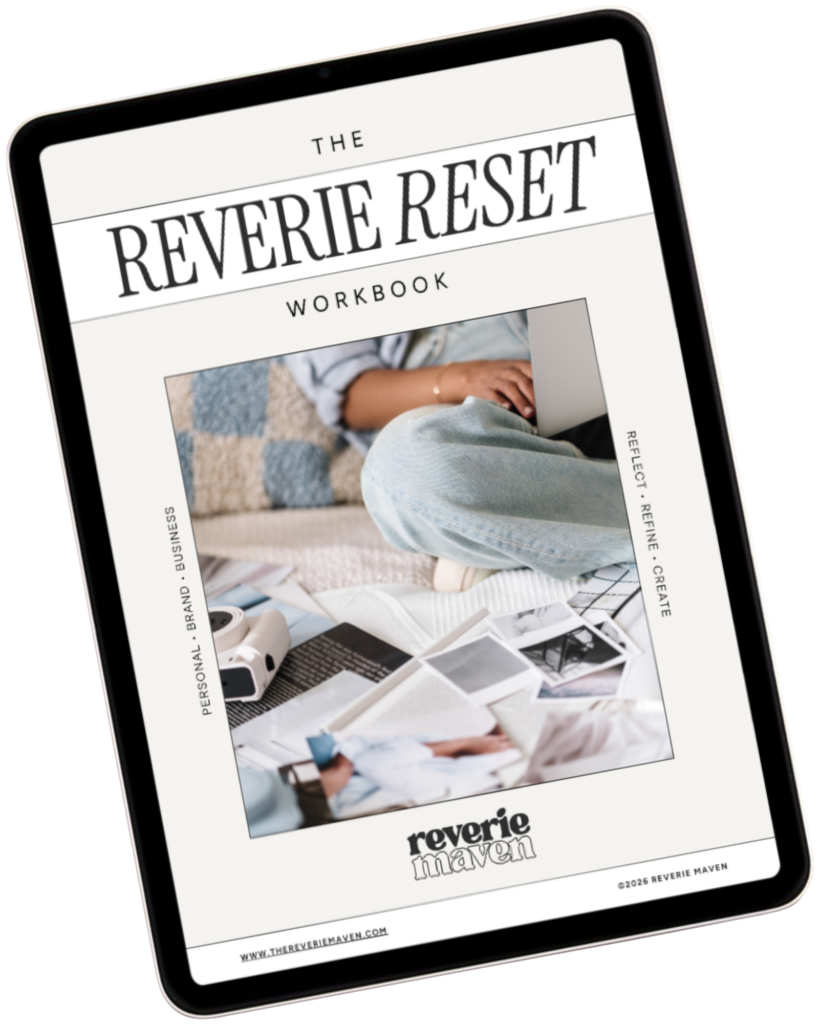
YOUR FREE STARTING POINT
Start with The Reverie Reset
A reflective workbook for reconnecting with yourself, getting clearer about what you genuinely want, and beginning to create a life and presence that feel more aligned, intentional, and fully your own.
Consider this your first step out of “someday” and toward what comes next.